

A subtle portrait move
A head turn or a slow push keeps the face readable and the motion believable.
Image to video
Start from a frame you already approved, then add one controlled motion.
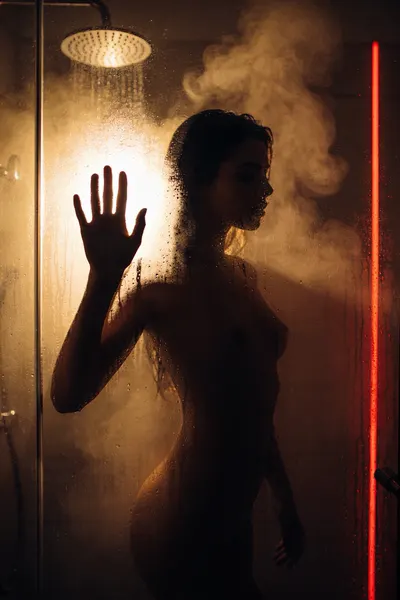
This page is for the second step: you already have a still from FuckGen or another generator, and you want a short clip without filming. Upload the still to the video workspace, write the motion — a turn of the head, a camera push, a shift in light — and pick the published duration and resolution options. The Platform renders an MP4 and saves it to your private library. Each render shows its credit cost before you submit, and credits come from one-time packs, not a subscription. Only add motion to an image you are allowed to use: an AI still you generated, or an authorized adult photo. This page does not promise audio, a fixed length or a resolution the Platform has not published; those options appear in the generator when available. For the first step, see the AI porn image generator.
Use an image you generated or an authorized adult photo. The source is stored privately on the Platform.
Keep it to one action: a look, a turn, a camera move or a change in light.
Only the duration and resolution options the Platform publishes for the selected model are shown.
Follow the task in your library, then download the MP4 before the retention window ends.
A head turn or a slow push keeps the face readable and the motion believable.
Describe a dolly, pan or rack focus when the still already has a clear foreground and background.
Let a neon sign flicker or a lamp warm up instead of moving the subject.
Keep one gesture short if the clip will repeat in a page or a preview card.
Every subject must be 18 or older and every scene must be consensual. FuckGen refuses minors, non-consensual content and real third parties, and requests are checked before rendering. Read the content guidelines before your first image.
One clear motion on a still you already like beats a long prompt that changes everything at once.
Open image-to-video